
4.3★
1.2K reviews
10.0K
Installs
May 26, 20
Released
2025-10-18
Last Updated
Rankings
| Category | Collection | Rank | Date |
|---|---|---|---|
| GAME_SIMULATION | topselling_paid | #112 | 2026-03-10 |
Screenshots
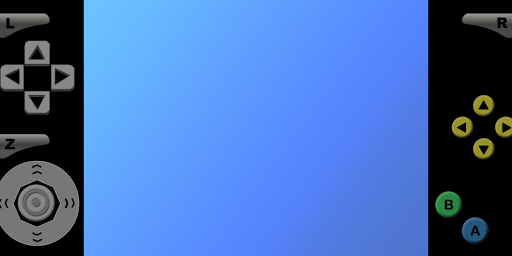
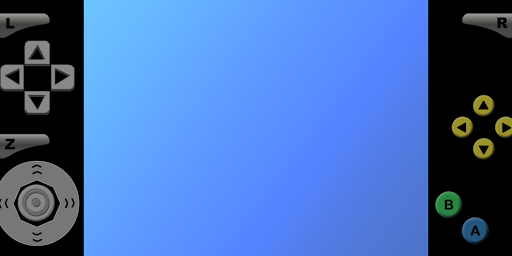
About Super64Pro Emulator
Features:
- Support android 5.0+ (suitable for android 13).
- Auto save, Save state and load state.
- Auto Screen orientation: Settings - Display - Screen orientation - Auto.
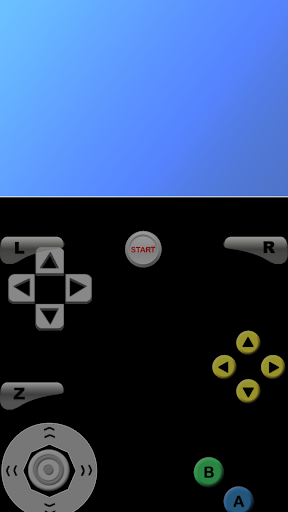
- All Controls: Analog & Dpad & L+R+Z Button (Profiles - Select Profiles - Touchscreen profile - Everything: All Controls)
- Resize Control Buttons: Settings - Touchscreen - Button scale.
- Edit Control Buttons: Profiles - Touchscreen - Copy - Rename - Edit.
- To fix graphical glitches, try changing the video plugin: Profiles - Select Profiles - Emulation profile.
- To fix lag, try changing the video setting: Settings - Display - Rendered resolution.
- For unplayable ROM, try unzipping the ROM first or trying a different version of the ROM.
- For touchscreen control issues, try changing the button scale.
Frequently Asked Questions
Is Super64Pro Emulator free?
No, Super64Pro Emulator costs USD3.99.
What is the rating of Super64Pro Emulator?
Super64Pro Emulator has a 4.3 out of 5 star rating based on 1.2K reviews on the Google Play.
Who made Super64Pro Emulator?
Super64Pro Emulator was developed by Super Emulation.
Developer
Explore More
Related Simulation Apps





Share & Embed
Use these badges on your website or blog to link back to this app's data.
Rating Badge
<a href="https://apppricinglab.com/app/google_play/org.mupen64plusae.super64.pro"><img src="https://apppricinglab.com/api/badge/rating?store=google_play&app=org.mupen64plusae.super64.pro" alt="Super64Pro Emulator rating on App Pricing Lab" /></a>Rank Badge
<a href="https://apppricinglab.com/app/google_play/org.mupen64plusae.super64.pro"><img src="https://apppricinglab.com/api/badge/rank?store=google_play&app=org.mupen64plusae.super64.pro" alt="Super64Pro Emulator ranking on App Pricing Lab" /></a>