
4.0★
9.5K reviews
100.0K
Installs
Apr 16, 20
Released
2025-08-18
Last Updated
Rankings
| Category | Collection | Rank | Date |
|---|---|---|---|
| VIDEO_PLAYERS | topselling_paid | #38 | 2026-03-10 |
Screenshots
About Video Player - OPlayer
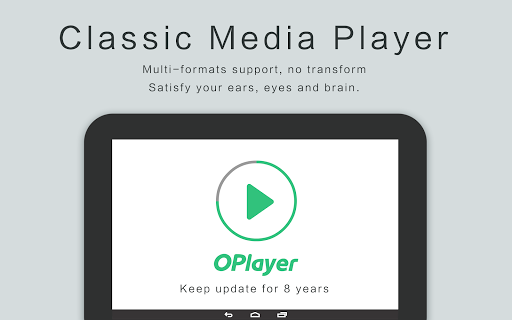
★ ★ ★Under development for 12 Years ★ ★ ★
★ ★ ★DTS & DivX officially supported ★ ★ ★
OPlayer is a professional media playback tool. It supports almost all media formats, It is one of the best HD video player for android tablet and android phone.
KEY FEATURES:
● Support MOST video formats, including MKV, MP4, M4V, AVI, MOV, 3GP, FLV, WMV, RMVB, TS etc.
● Ultra HD video player, support 4K.
● Hardware acceleration.
● Keep your video safe with gesture unlock.
● Cast videos to TV with Chromecast.
● Support subtitle downloader and more.
● Play video in pop-up window, split screen or back-ground.
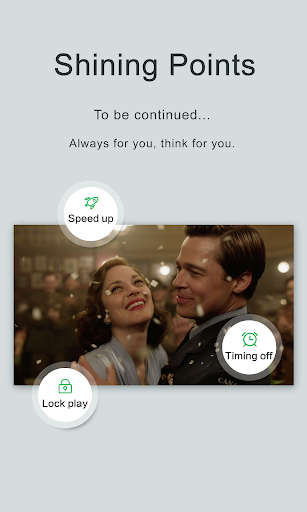
● Night Mode, Quick Mute & Playback Speed.
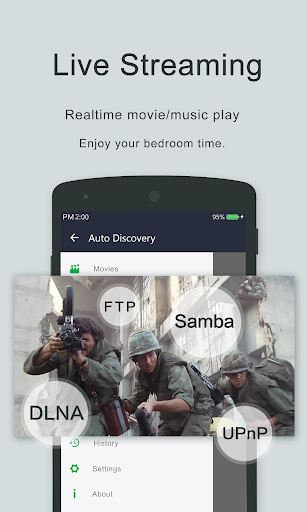
● Identify ALL video files on your device and SD Card automatically.
● Full featured file manager, including move/cut/paste ...
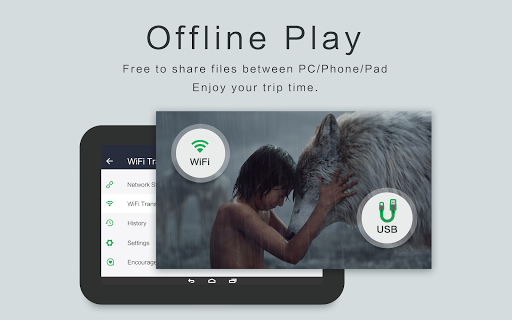
● Manage or share videos easily.
● Easy to control volume, brightness and playing progress.
● Multi playback option: auto-rotation, aspect-ratio, screen-lock etc.
● Video player hd for both android tablet and android phone.
Video Player
OPlayer is a MKV Player, DVD Player, AVI player, FLV Player, and supports almost all video formats, such as MP4, M4V, MOV, 3GP, FLV, WMV, RMVB, TS etc.
Music Player
OPlayer supports almost all audio formats, including WMA, FLAC, MP3, OGG, MIDI, AMR, AAC, DTS, M4A etc.
HD Video Player
Play HD, full HD & 4k video smoothly with HW decoding.
Floating Video Player
Video popup enables multitasking. The floating video player overrides other apps and it can be moved and resized easily. Enjoy video on the split-screen and use other apps as usual.
Background Video Player
Enjoy video on the background just like a music playback. Now you can watch a video in the way of listening to books.
Video Player for android tablet
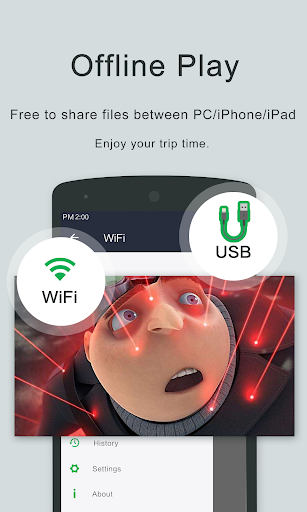
Support all devices, watch videos on both android tablet and android phone.
Video player with casting to TV
Video player for Chromecast. Cast videos to android TV with Chromecast easily. It’s the best chromecast apps for android free.
Easy to use
Easy to control volume, brightness and playing progress by sliding on playback screen.
Files manager
Identify ALL video files on your device and SD Card automatically. In addition, manage or share videos easily.
We are open to any suggestions for better user experience. Please feel free to contact us at olimsoft@gmail.com.
Frequently Asked Questions
Is Video Player - OPlayer free?
No, Video Player - OPlayer costs USD4.99. It offers in-app purchases.
What is the rating of Video Player - OPlayer?
Video Player - OPlayer has a 4.0 out of 5 star rating based on 9.5K reviews on the Google Play.
Who made Video Player - OPlayer?
Video Player - OPlayer was developed by OLIMSOFT. Visit their website at http://www.edavs.com.
Developer
Explore More
Related Video Players & Editors Apps





Share & Embed
Use these badges on your website or blog to link back to this app's data.
Rating Badge
<a href="https://apppricinglab.com/app/google_play/com.olimsoft.android.oplayer.pro"><img src="https://apppricinglab.com/api/badge/rating?store=google_play&app=com.olimsoft.android.oplayer.pro" alt="Video Player - OPlayer rating on App Pricing Lab" /></a>IAP Badge
<a href="https://apppricinglab.com/iap/google_play/com.olimsoft.android.oplayer.pro"><img src="https://apppricinglab.com/api/badge/iap?store=google_play&app=com.olimsoft.android.oplayer.pro" alt="Video Player - OPlayer IAP prices on App Pricing Lab" /></a>Rank Badge
<a href="https://apppricinglab.com/app/google_play/com.olimsoft.android.oplayer.pro"><img src="https://apppricinglab.com/api/badge/rank?store=google_play&app=com.olimsoft.android.oplayer.pro" alt="Video Player - OPlayer ranking on App Pricing Lab" /></a>