
AddMovie Price Snapshot
AddMovie by Limit Point Software is free to download on the Apple App Store, with no in-app purchases. It holds a 4.0★ rating from 4 reviews.
Listing last updated: 2025-12-22. Source: public Apple App Store data, compiled via the App Pricing Lab methodology.
4.0★
4 reviews
2018-08-04
Released
2025-12-22
Last Updated
Rankings
| Category | Collection | Rank | Date |
|---|---|---|---|
| PHOTO_AND_VIDEO | keyword:photo and video | #108 | 2026-03-12 |
Screenshots
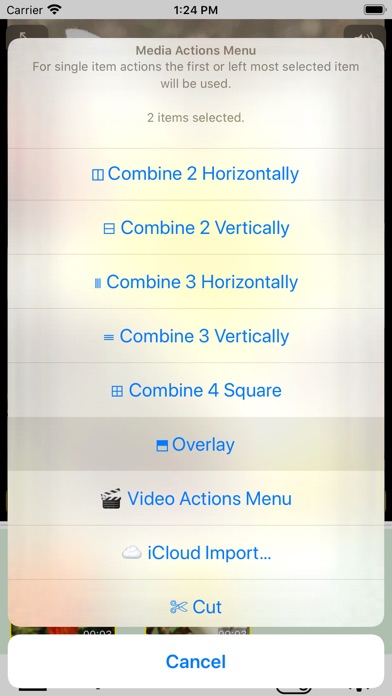
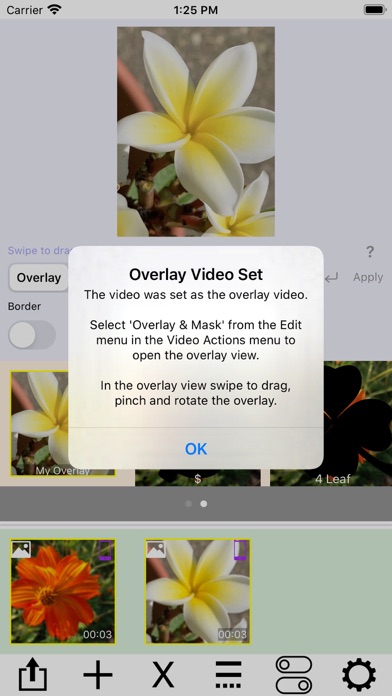
About AddMovie
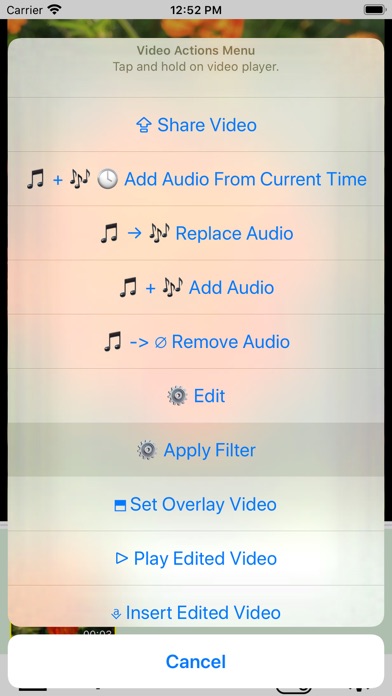
Combine videos, Live Photos, and still photos into a single video. Add wipe transitions and audio to the soundtrack. Reverse video and audio for creative effects. Trim video and audio together, or use the First Selected Media Item Audio option for actions like Replace Audio, Add Audio, or Add Audio From Current Time.
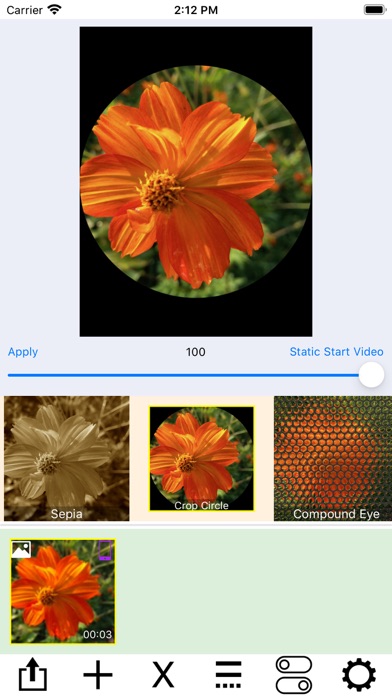
Live Photos and still images are automatically converted to video, enabling powerful editing actions such as filtering, trimming, cropping, rotating, labeling, and overlaying. Combine multiple videos using layouts like side-by-side, stacked, grids, or sliding conveyors.
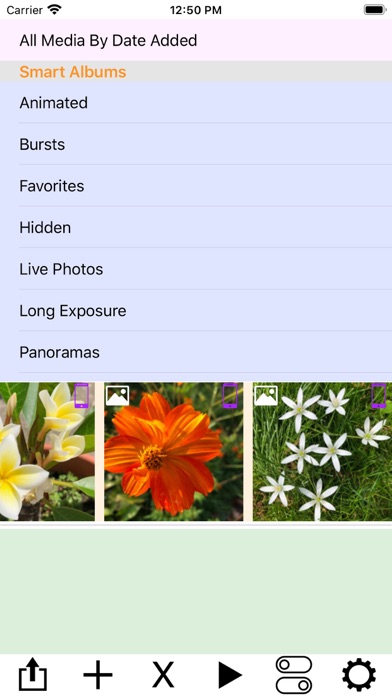
At the top of the screen, a picker displays your photo albums. Tap an album to browse its contents in the scrollable media collection below. Tap a media item to add it to your project. Use the media actions menu—accessed from the rightmost button—to import from iCloud, paste new media, or merge items.
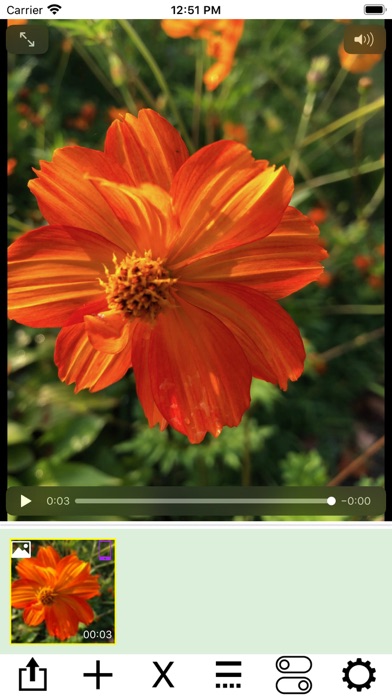
AddMovie also supports importing media via share menus in other apps. Tap any media item to preview it, or tap and hold to open the video actions menu for editing.
AddMovie ensures video color accuracy by converting ProRes and other formats to H.264, providing the best compatibility across devices.
Frequently Asked Questions
Is AddMovie free?
Yes, AddMovie is free to download.
What is the rating of AddMovie?
AddMovie has a 4.0 out of 5 star rating based on 4 reviews on the Apple App Store.
Who made AddMovie?
AddMovie was developed by Limit Point Software. Visit their website at http://www.limit-point.com.
Developer
Explore More
Related Photo & Video Apps


Share & Embed
Use these badges on your website or blog to link back to this app's data.
Rating Badge
<a href="https://apppricinglab.com/app/apple/1375727326"><img src="https://apppricinglab.com/api/badge/rating?store=apple&app=1375727326" alt="AddMovie rating on App Pricing Lab" /></a>Rank Badge
<a href="https://apppricinglab.com/app/apple/1375727326"><img src="https://apppricinglab.com/api/badge/rank?store=apple&app=1375727326" alt="AddMovie ranking on App Pricing Lab" /></a>