
JRemote Price Snapshot
JRemote by JRiver is priced at $12.99 on the Apple App Store, with no in-app purchases. It holds a 3.8★ rating from 28 reviews.
Listing last updated: 2025-10-27. Source: public Apple App Store data, compiled via the App Pricing Lab methodology.
3.8★
28 reviews
2011-12-21
Released
2025-10-27
Last Updated
Rankings
| Category | Collection | Rank | Date |
|---|---|---|---|
| ENTERTAINMENT | top-paid | #103 | 2026-03-12 |
| ENTERTAINMENT | top-paid-ipad | #123 | 2026-03-12 |
Screenshots
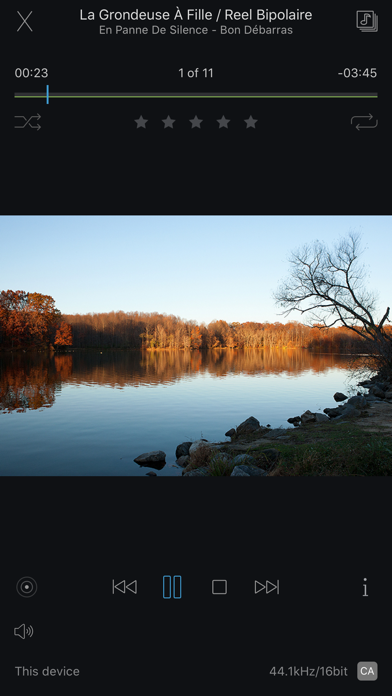

About JRemote
JRemote is a full featured native iOS remote for JRiver Media Center. JRemote was developed to offer you full remote control of your JRiver Media Center from any of your iDevices.
Please note that you need JRiver Media Center version 15 or later. We recommend you always run the latest version.
Features and specs:
Universal app
JRemote is a universal iOS application. The application will run on both iPhone/iPod touch as well as iPad’s. Each version is optimized for it`s screen size.
Navigation
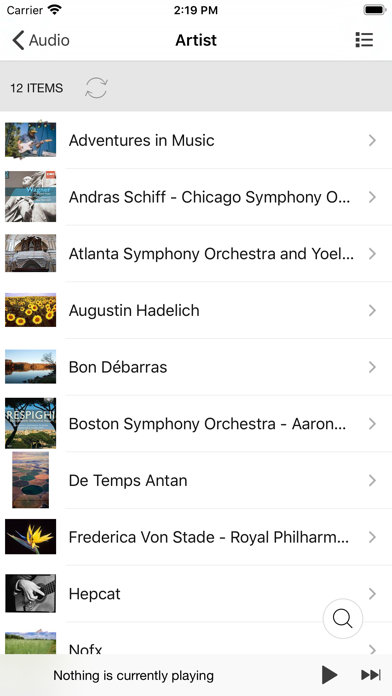
JRemote uses the navigation setup from JRMC itself. This allows you to customize the navigation menu and sub-menus from within the JRiver application.
- Multiple view modes (list, imagelist, thumbnails)
- Search using JRMC`s fuzzy search engine
- Virtual remote for controlling theater view
DLNA and zones
Use JRemote to control all your DLNA supported devices. Any device supported in JRMC can be controlled from JRemote by switching to that specific zone.
You can link and unlink zone for multi-room playback.
Easy setup
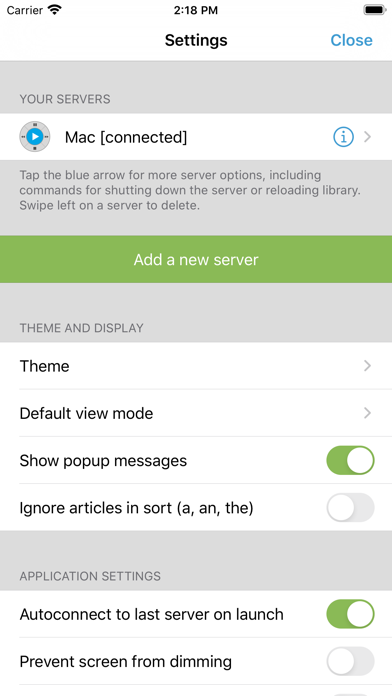
Connecting to your computer is fully automatic, no need to enter your IP-address and Port number.
You only need to enter the access key found in JRMC`s option panel (We do provide an option for you to add IP-address and Port manually if needed).
- JRemote will let you connect to your server from outside your wifi, using standard mobile networks. For this to work you need to configure port forwarding on your internet router.
- Wake-On-LAN is supported if you provide your machines MAC address. (Automatic when adding a server by access key)
- JRemote is CarPlay enabled.
Edit and view metadata
Any metadata attached to a specific file can be viewed and edited. You can update multiple files in one operation.
Rating may be set from multiple locations depending on iPhone/iPad version.
Player controls
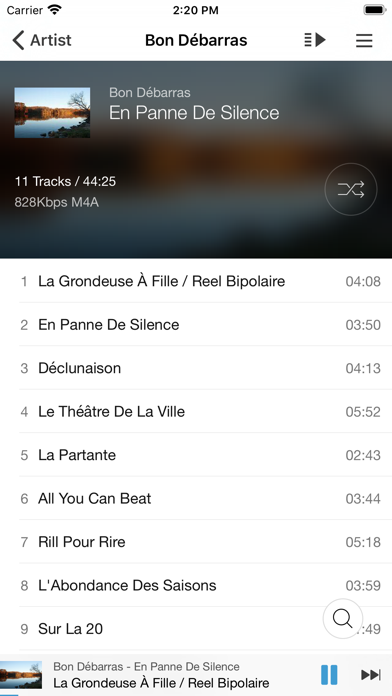
JRemote includes all common playback controls including repeat mode, and shuffle mode.
Control volume and progress from sliders while getting feedback from the HUD display
Audio streaming
JRemote lets you stream all your audio files to the device itself. Just select “This device” as the current zone.
- Gapless playback
- Stream any file up to 96kHz, 24 bit
- Downloaded progress indicator
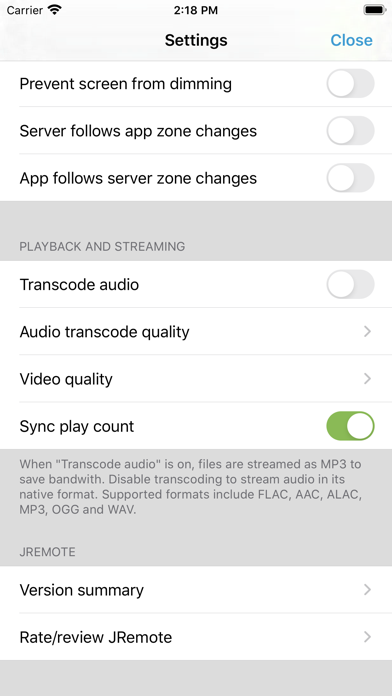
- Supported formats include FLAC, ALAC, AIFF, MP3, OGG, AAC and WAV.
- All files may be transcoded from 128Kbs up to 320Kbs
Frequently Asked Questions
Is JRemote free?
No, JRemote costs $12.99.
What is the rating of JRemote?
JRemote has a 3.8 out of 5 star rating based on 28 reviews on the Apple App Store.
Who made JRemote?
JRemote was developed by JRiver. Visit their website at https://jriver.com/company.html.
Developer
Explore More
Related Entertainment Apps


Share & Embed
Use these badges on your website or blog to link back to this app's data.
Rating Badge
<a href="https://apppricinglab.com/app/apple/486222633"><img src="https://apppricinglab.com/api/badge/rating?store=apple&app=486222633" alt="JRemote rating on App Pricing Lab" /></a>Rank Badge
<a href="https://apppricinglab.com/app/apple/486222633"><img src="https://apppricinglab.com/api/badge/rank?store=apple&app=486222633" alt="JRemote ranking on App Pricing Lab" /></a>