
Stream Studio NDI OBS Camera Price Snapshot
Stream Studio NDI OBS Camera by Ludovic Bouguerra is free to download on the Apple App Store, with no in-app purchases. It holds a 4.1★ rating from 9 reviews.
Listing last updated: 2025-08-08. Source: public Apple App Store data, compiled via the App Pricing Lab methodology.
4.1★
9 reviews
2023-11-30
Released
2025-08-08
Last Updated
Rankings
| Category | Collection | Rank | Date |
|---|---|---|---|
| ENTERTAINMENT | keyword:streaming apps | #168 | 2026-03-12 |
Screenshots


About Stream Studio NDI OBS Camera
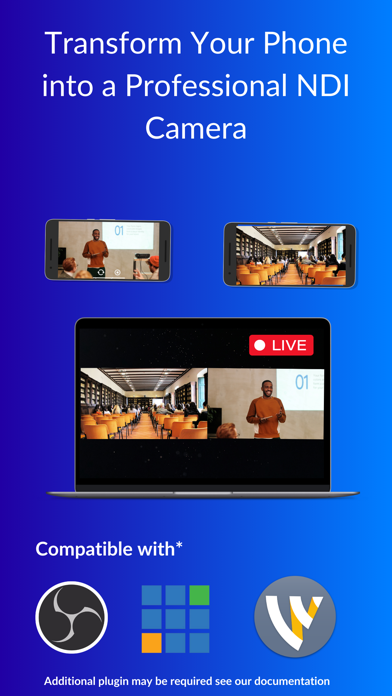
Bring your presentations, tutorials, gaming sessions, and more to life with Stream Studio NDI Camera! Our app allows you to effortlessly cast your iPhone or iPad screen using the powerful and versatile NDI (Network Device Interface) protocol, as well as the widely supported RTSP (Real-Time Streaming Protocol). Whether you’re a content creator, educator, or professional, Stream Studio NDI Camera is the perfect tool to share your camera in real-time with any NDI or RTSP-enabled device.
Features:
• Seamless Camera Casting: Easily broadcast your iPhone or iPad camera to any NDI or RTSP-compatible device on the same network.
• High-Quality Streaming: Experience low-latency and high-definition streaming, ensuring your content is delivered with clarity and precision.
• User-Friendly Interface: Simple and intuitive design makes camera casting accessible to everyone, regardless of technical expertise.
• Customizable Settings: Adjust resolution, frame rate, and more to match your specific needs and preferences.
• Wide Compatibility: Works with popular NDI and RTSP receivers, including software and hardware solutions for professional environments.
• Privacy and Security: Stream with confidence knowing your data is secure and only shared with your chosen receivers.
How It Works:
1. Download and Install: Get Stream Studio NDI Camera from the App Store and install it on your iPhone or iPad.
2. Connect to Wi-Fi: Ensure your device is connected to the same Wi-Fi network as your NDI or RTSP receiver.
3. Launch the App: Open Stream Studio NDI Camera and start your camera casting session with a single tap.
4. Select Your Receiver: Choose your target NDI or RTSP device from the list and start streaming your camera feed in real-time.
Frequently Asked Questions
Is Stream Studio NDI OBS Camera free?
Yes, Stream Studio NDI OBS Camera is free to download.
What is the rating of Stream Studio NDI OBS Camera?
Stream Studio NDI OBS Camera has a 4.1 out of 5 star rating based on 9 reviews on the Apple App Store.
Who made Stream Studio NDI OBS Camera?
Stream Studio NDI OBS Camera was developed by Ludovic Bouguerra. Visit their website at https://ndi-camera.stream.studio.
Developer
Explore More
Related Photo & Video Apps


Share & Embed
Use these badges on your website or blog to link back to this app's data.
Rating Badge
<a href="https://apppricinglab.com/app/apple/6473455859"><img src="https://apppricinglab.com/api/badge/rating?store=apple&app=6473455859" alt="Stream Studio NDI OBS Camera rating on App Pricing Lab" /></a>Rank Badge
<a href="https://apppricinglab.com/app/apple/6473455859"><img src="https://apppricinglab.com/api/badge/rank?store=apple&app=6473455859" alt="Stream Studio NDI OBS Camera ranking on App Pricing Lab" /></a>