Leonardo - Photo Layer Editor Price Snapshot
Leonardo - Photo Layer Editor by Pankaj Goswami is priced at $4.99 on the Apple App Store, with no in-app purchases. It holds a 3.9★ rating from 128 reviews.
Listing last updated: 2022-05-19. Source: public Apple App Store data, compiled via the App Pricing Lab methodology.
3.9★
128 reviews
2013-08-01
Released
2022-05-19
Last Updated
Rankings
| Category | Collection | Rank | Date |
|---|---|---|---|
| PHOTO_AND_VIDEO | top-paid-ipad | #188 | 2026-03-12 |
Screenshots
About Leonardo - Photo Layer Editor
Universal Photo Editor with support for Layers, Selection, Masks and of course filters, effects and other tools.
An editor so powerful that you could do almost anything that you thought was possible only on a desktop.
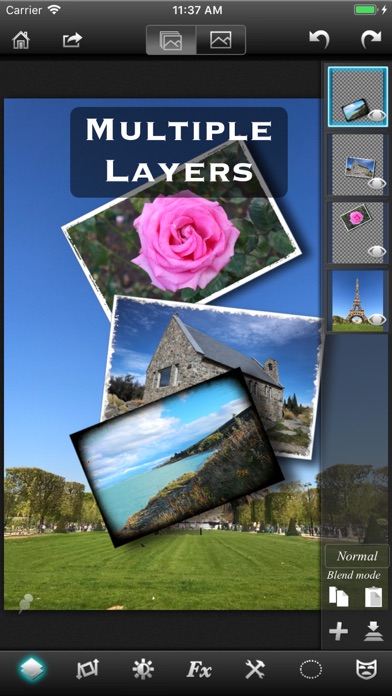
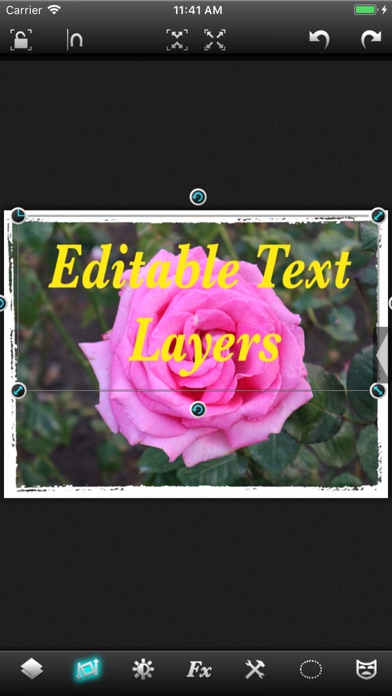
√ True layer support, just like photo editing on desktop.
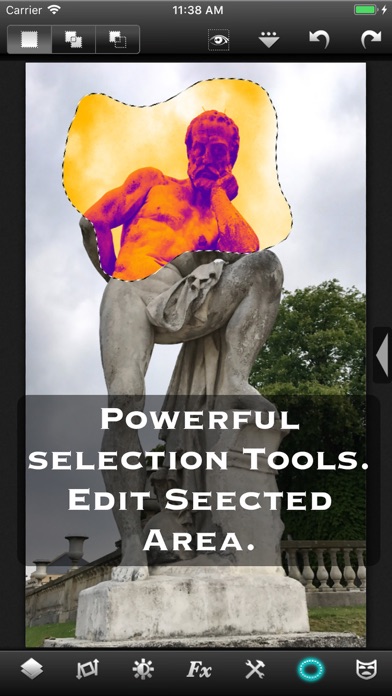
√ Selection. You can select an area and work with filters and effects only on that area.
√ Layers can be masked. And not just with brush, you get a whole set of mask editing tool.
√ Layers support all that a true layer app should. Blending, Opacity, Transform, Duplicate, Merge and flatten.
√ The app is so fast that most of the operations are real time. You don't have to wait while adjusting the sliders.
√ Handles Exif, IPTC, Geotag etc. You can even edit Geotag and IPTC.
√ Exports PSD with layers. And of course exports JPEG and PNG too.
√ Copy/Paste with selections and masks.
√ Undo/Redo.
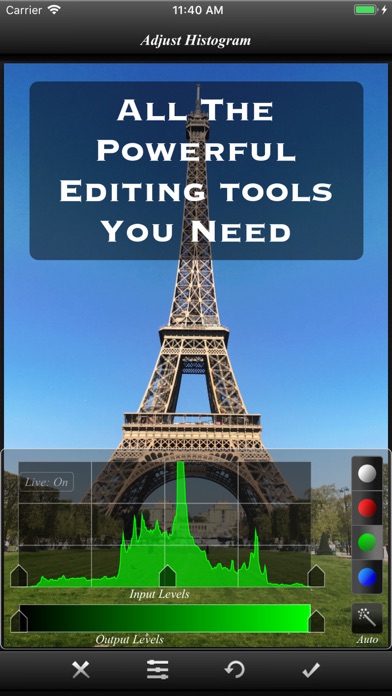
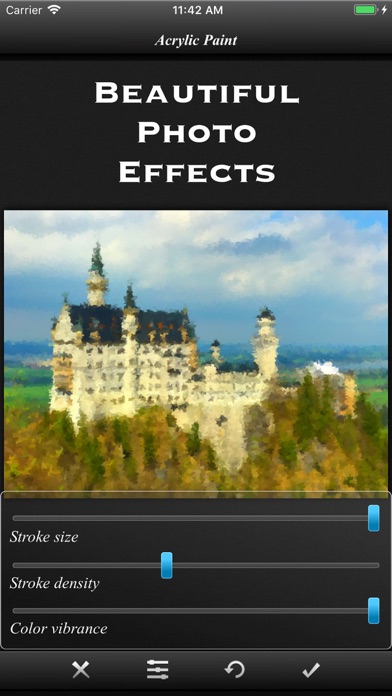
√ Powerful filters you will hardly find on many other apps.
√ 25 preset photo effects.
√ Tools like Crop, Straighten, Clone stamp, color gradient, paint brush, red eye brush and add text etc.
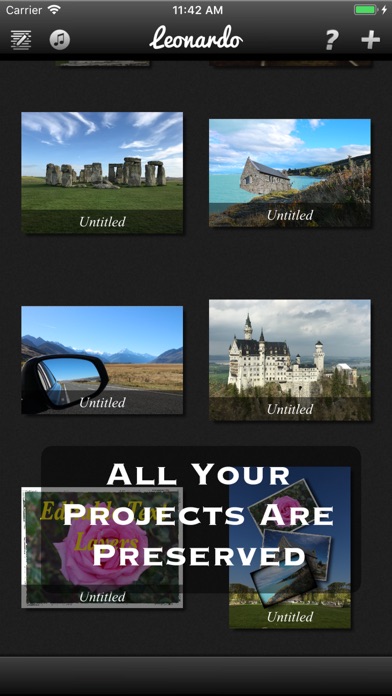
√ You can save your projects with all layers and selections preserved and work on them back and forth.
√ 18 video tutorials.
√ Resolution up to 4096x4096 on iPad3 and above and on iPhone max resolution is equal to the resolution of the built-in camera.
And yes, it runs on both iPhone and iPad.
Note that reduce noise filter is available only on iPhone 5 and iPad3 and above.
To get maximum resolution you will need to...
1. Go to home screen.
2. Press on the "?" button.
3. Under resolution, select the max.
Frequently Asked Questions
Is Leonardo - Photo Layer Editor free?
No, Leonardo - Photo Layer Editor costs $4.99.
What is the rating of Leonardo - Photo Layer Editor?
Leonardo - Photo Layer Editor has a 3.9 out of 5 star rating based on 128 reviews on the Apple App Store.
Who made Leonardo - Photo Layer Editor?
Leonardo - Photo Layer Editor was developed by Pankaj Goswami. Visit their website at http://www.superimposeapp.com.
Developer
Explore More
Related Photo & Video Apps


Share & Embed
Use these badges on your website or blog to link back to this app's data.
Rating Badge
<a href="https://apppricinglab.com/app/apple/656090065"><img src="https://apppricinglab.com/api/badge/rating?store=apple&app=656090065" alt="Leonardo - Photo Layer Editor rating on App Pricing Lab" /></a>Rank Badge
<a href="https://apppricinglab.com/app/apple/656090065"><img src="https://apppricinglab.com/api/badge/rank?store=apple&app=656090065" alt="Leonardo - Photo Layer Editor ranking on App Pricing Lab" /></a>