
SafeExamBrowser Price Snapshot
SafeExamBrowser by ETH Zurich is free to download on the Apple App Store, with no in-app purchases. It holds a 1.7★ rating from 39 reviews.
Listing last updated: 2026-03-03. Source: public Apple App Store data, compiled via the App Pricing Lab methodology.
1.7★
39 reviews
2017-06-15
Released
2026-03-03
Last Updated
Rankings
| Category | Collection | Rank | Date |
|---|---|---|---|
| EDUCATION | top-free-ipad | #187 | 2026-03-12 |
Screenshots
About SafeExamBrowser
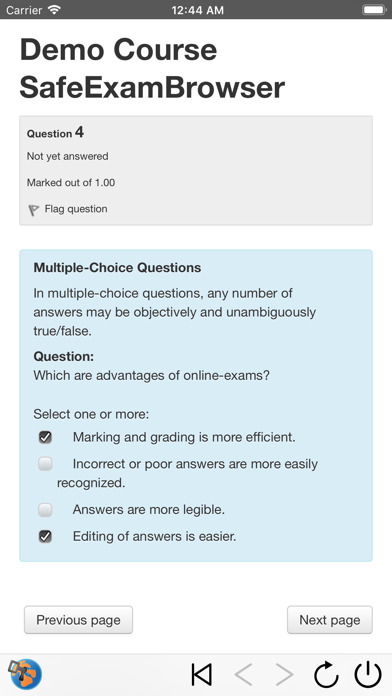
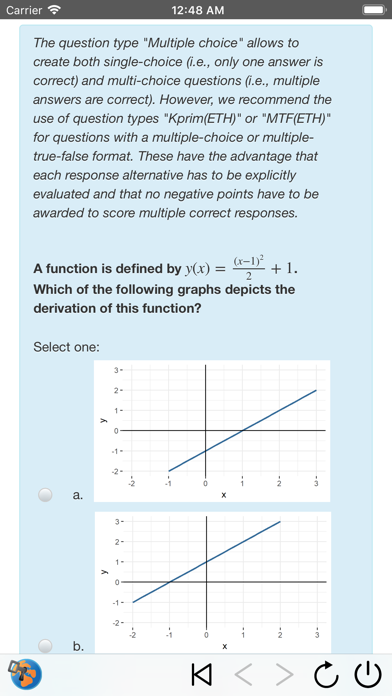
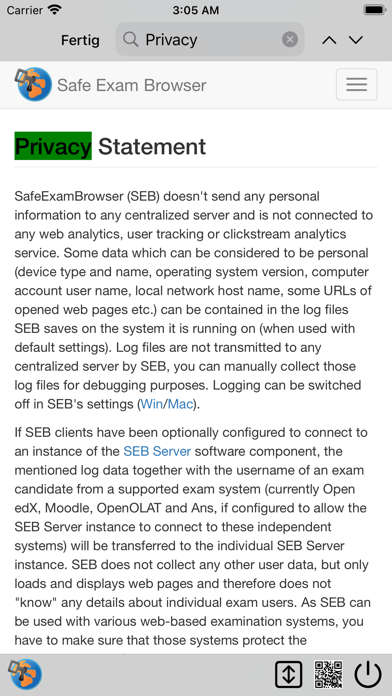
SafeExamBrowser (SEB) is a secure kiosk web browser environment used to carry out e-assessments that run on exam servers. SEB opens a web browser without an address and search bar, loads a pre-configured webpage and locks an iPad (or iPhone or iPod Touch) into an assessment kiosk mode. This mode prevents students from switching to other apps (unless additional permitted apps are configured), accessing websites and communicating with other students during an exam. SEB enables secure exams on unmanaged iOS devices like students' own iPads as well as on iOS devices owned and managed by an institution. SEB doesn't use a centralized server or cloud service; it can be configured with an API, configuration files, links and QR codes. It can be used with most web-based quiz and e-assessment systems. For improved security and usability, some exam systems provide additional built-in support for SEB. Currently, SEB integrates especially well with learning management systems (LMS) such as Moodle, OpenOlat, ILIAS and with several non-commercial and commercial exam systems, such as Inspera Assessment, Dugga, Exam.net, EvaExam and Ans.
SEB uses one of the single app modes provided by iOS. After an exam is submitted, SEB can automatically end the app self-lock assessment mode (an exam invigilator could also use a quit password to end the SEB exam session and unlock the device if necessary).
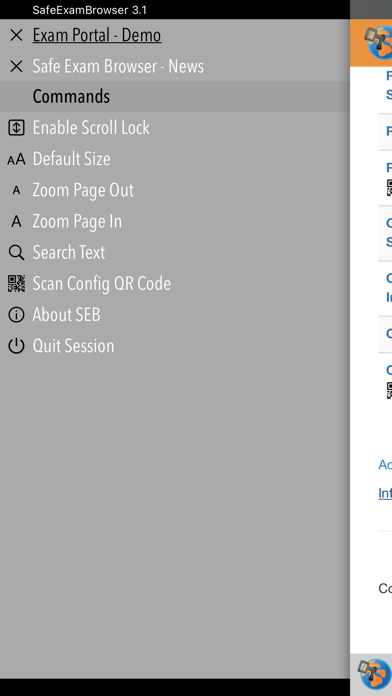
SEB features an optional Dock displaying buttons for various commands. Instead or in addition, a left slider menu shows a list of open browser tabs and commands which can be used to (if enabled in settings) quit an exam session, jump back to the start page of an exam, reload a web page, and navigate back/forward in the browsing history.
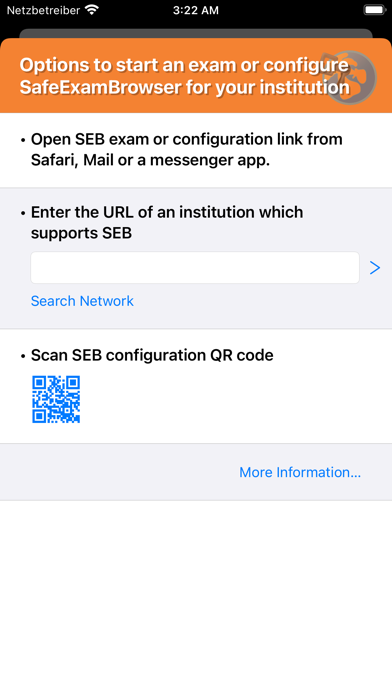
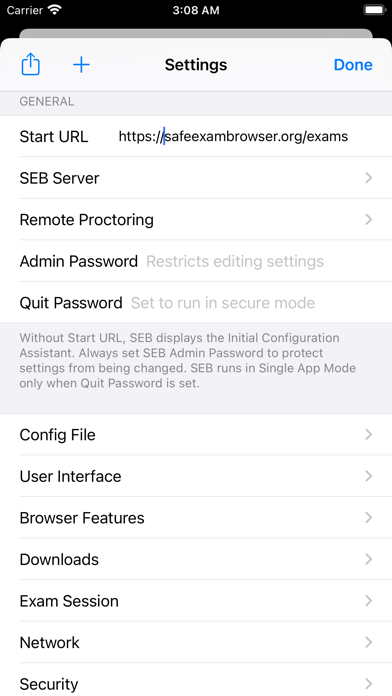
SEB for iOS uses the same format for encrypted .seb configuration files as the SEB versions for other platforms. Those config files allow to individually configure SEB to display the start page of an exam system or an exam portal page with a list of links to current exams. If SEB for iOS is installed using a mobile device management (MDM) system, its initial configuration can easily be deployed using the "MDM Managed Configuration" feature. You can also directly start an exam with an individual configuration in SEB for iOS using a special config hyperlink. This link can be opened by examinees from Safari, Mail or a messenger app. In addition, you can use QR codes containing SEB links or even full, individual configurations. An exam can directly be started in SEB by using the iOS Camera app or the built-in QR code scanner.
SEB also works together with Apple Classroom, teachers can start individually configured exams on all student devices. See https://safeexambrowser.org/ios for more information.
SafeExamBrowser for iOS was developed by Daniel R. Schneider, ETH Zurich, IT Services, based on the original idea of Safe Exam Browser by Stefan Schneider, University of Giessen
Project concept: Thomas Piendl, Daniel R. Schneider, Damian Büchel
Frequently Asked Questions
Is SafeExamBrowser free?
Yes, SafeExamBrowser is free to download.
What is the rating of SafeExamBrowser?
SafeExamBrowser has a 1.7 out of 5 star rating based on 39 reviews on the Apple App Store.
Who made SafeExamBrowser?
SafeExamBrowser was developed by ETH Zurich. Visit their website at https://safeexambrowser.org/ios.
Developer
Explore More
Related Education Apps


Share & Embed
Use these badges on your website or blog to link back to this app's data.
Rating Badge
<a href="https://apppricinglab.com/app/apple/1155002964"><img src="https://apppricinglab.com/api/badge/rating?store=apple&app=1155002964" alt="SafeExamBrowser rating on App Pricing Lab" /></a>Rank Badge
<a href="https://apppricinglab.com/app/apple/1155002964"><img src="https://apppricinglab.com/api/badge/rank?store=apple&app=1155002964" alt="SafeExamBrowser ranking on App Pricing Lab" /></a>