Alook Browser - 8x Speed
Baoding Lehuo Network Technology Co., Ltd.
🍎 Apple App StoreUtilitiesUSD 0.9917+
4.6★
2.6K reviews
2017-07-29
Released
2026-03-11
Last Updated
Rankings
| Category | Collection | Rank | Date |
|---|---|---|---|
| UTILITIES | top-paid-ipad | #8 | 2026-03-12 |
| UTILITIES | top-paid | #44 | 2026-03-12 |
Screenshots
About Alook Browser - 8x Speed
Alook is a minimalist yet powerful browser, aiming to be the best for iOS.
Core Features
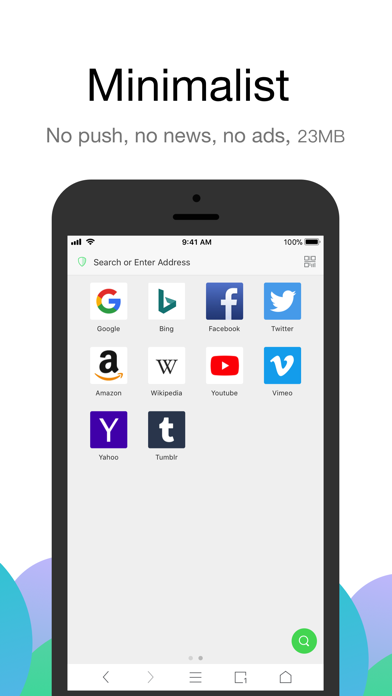
- Lightning-fast experience: No push notifications, no news, no ads, millisecond startup.
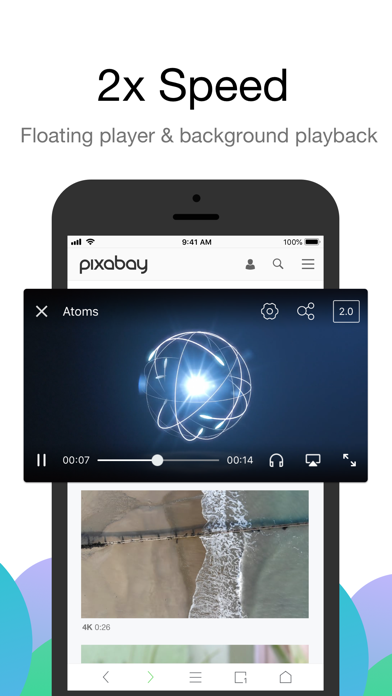
- Audio and video features: Floating playback, adjustable speed (0.5x-16.0x), background playback, AirPlay casting, DLNA casting, small window playback, single track loop, picture-in-picture, screenshots, mirroring, long press for speed control, and more.
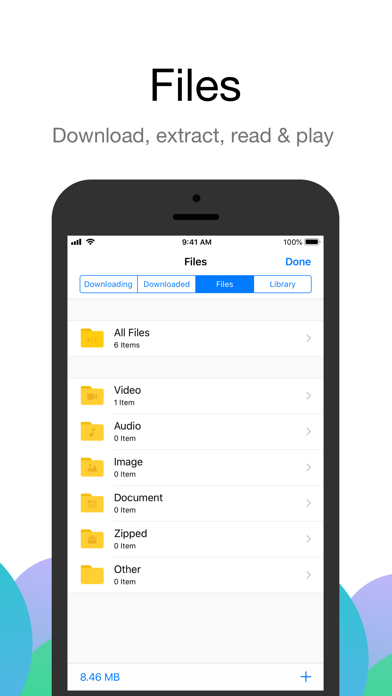
- File management: Manual downloads, unzip/compress (zip, rar, 7z, including encrypted files), file creation/editing, open in plain text mode, select file encoding, import from albums, move/copy files, Wi-Fi transfer, and more.
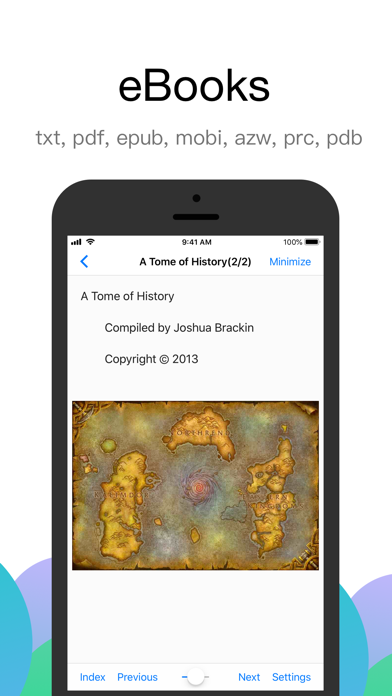
- E-book reader: Supports txt, pdf, epub, kindle, mobi, azw, azw3, azw4, prc, pdb formats.
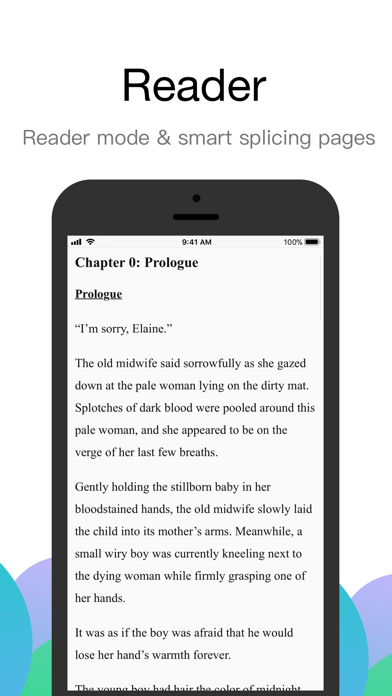
- Reading mode: Smart pagination, designed specifically for novels.
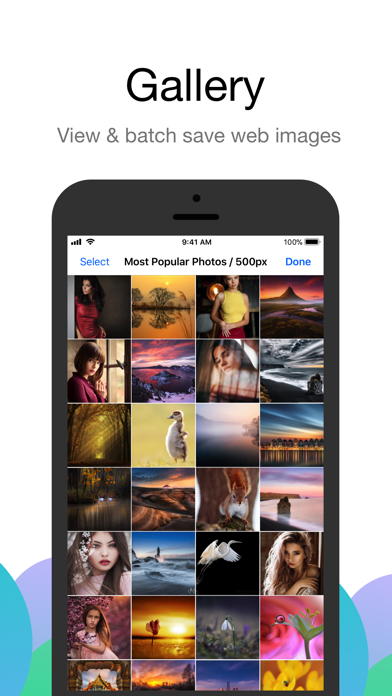
- Image viewing mode: Batch saving, image compression.
- Ad blocker: Built-in Adblock Plus, supports multi-language rules, third-party rules, custom ad marking, and blocking intrusive ads.
- Custom search engine: Automatically detects search boxes on web pages, quick add.
- Translation feature: Built-in 14 languages, supports full-page translation and word translation.
- JavaScript extension: Run custom JS code.
- File sharing: Perfectly integrates with iOS 11 Files and iTunes file sharing.
- Device compatibility: Supports iPhone, iPhone XS Max, iPad Pro, and cross-device syncing.
- Website settings: Separate settings for video floating, ad blocking, no image mode, clipboard access, and JavaScript scripts.
- iPad support: Perfectly adapts to split-screen and iOS 11 drag-and-drop operations.
Other Features
- iCloud sync for bookmarks, custom ad rules, search engines, and plugins.
- Private mode or incognito browsing.
- Custom immersive wallpapers.
- Next page preloading.
- Custom site icons.
- BigBang text selection.
- Handoff support.
- Auto-refresh.
- Webpage pull-to-refresh.
- Homepage pull-down search.
- Custom website homepage.
- Webpage full-length screenshots.
- Developer tools: View source code, Eruda, vConsole, Cookie management.
- Night mode: Supports OLED pure black mode, eye-care web colors.
- No image mode: Smart no image.
- Full-screen mode: Swipe to hide the toolbar.
- Page search: Find text within the webpage.
- Site search: Use the default search engine to search for specific keywords.
- Supports password managers: 1Password, LastPass, Avast Passwords, and more.
- QR code tools: Scan, recognize image QR codes, generate link QR codes.
- Switch between desktop or mobile website: Supports custom user agent.
- Block redirection to the App Store.
- Print and create PDFs.
- Quick URL entry, quickly open copied URLs.
- Page flipping buttons and screen tap flipping.
- Swipe back from anywhere.
- View site certificate.
- Touch ID or Face ID authentication.
- Custom long-press shortcuts.
- Import or export bookmarks.
- Custom fonts, language,
Frequently Asked Questions
Is Alook Browser - 8x Speed free?
No, Alook Browser - 8x Speed costs USD0.99.
What is the rating of Alook Browser - 8x Speed?
Alook Browser - 8x Speed has a 4.6 out of 5 star rating based on 2.6K reviews on the Apple App Store.
Who made Alook Browser - 8x Speed?
Alook Browser - 8x Speed was developed by Baoding Lehuo Network Technology Co., Ltd.. Visit their website at https://apps.apple.com/us/developer/baoding-lehuo-network-technology-co-ltd/id1016500362?uo=2.