
Wine Cellar Import Pro Price Snapshot
Wine Cellar Import Pro by Simon Guertin is priced at $0.99 on the Apple App Store, with no in-app purchases.
Listing last updated: 2025-03-21. Source: public Apple App Store data, compiled via the App Pricing Lab methodology.
2009-04-02
Released
2025-03-21
Last Updated
Rankings
| Category | Collection | Rank | Date |
|---|---|---|---|
| FOOD_AND_DRINK | top-paid | #168 | 2026-03-12 |
Screenshots
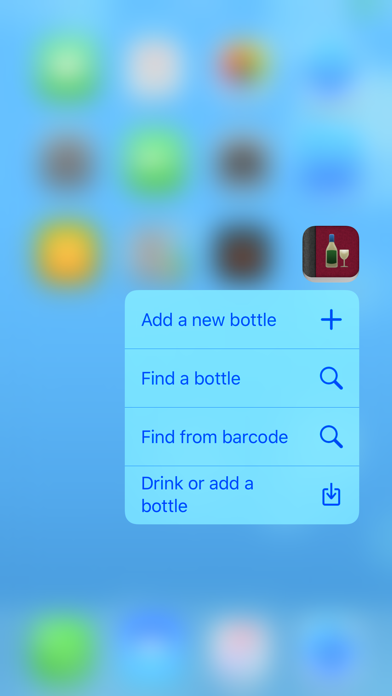
About Wine Cellar Import Pro
Wine Cellar is an application for the wine enthusiast. It is made to help both the amateur or the more experienced wine enthusiast. It helps to manage your wine bottles and also to collect information about bottles already tasted.
Wine Cellar HD for iPad is available on the App Store.
Also available for free, Wine Cellar Companion to fully sync, view and edit your cellar on your Mac
http://sg-iphone.com/winecellar/companion.html
PRO Features:
Wine Cellar PRO offers everything from Wine Cellar with the added feature of importing your cellar from your computer into the iPhone.
The limit of 500 is increased to 3000 bottles.
With Wine Cellar Pro, you can fully manage your cellar using the import/export function. You can do all the editing on your PC and import it to your iPhone so there is no need to type your 400+ bottles on your iPhone.
The file format used is csv (OpenOffice is an excellent tool to edit the file) or use the more simple Companion to view and edit your cellar (Mac OS X only).
The file format is very convenient if you already have your cellar in a database or in an excel spreadsheet. The conversion to the Wine Cellar format is very simple.
3 ways are offered to import your cellar (WiFi required):
-Using Wine Cellar Companion 2.1 (Mac OS X)
-Using the embedded website hosted on the iphone. (Same as Exporting your cellar to your computer)
-By hosting your cellar file on a web site and accessing it with your iPhone (Wi-Fi or 3G required)
More on Wine Cellar features:
Easy to use, easy to learn
Wine Cellar is designed to be easy to use and learn. The interface is designed with Apple's user interface guidelines for simplicity and ease of use. It is intuitive and simple.
Sync all your devices using iCloud. It is suggested to backup the cellar using one of the export techniques when using iCloud.
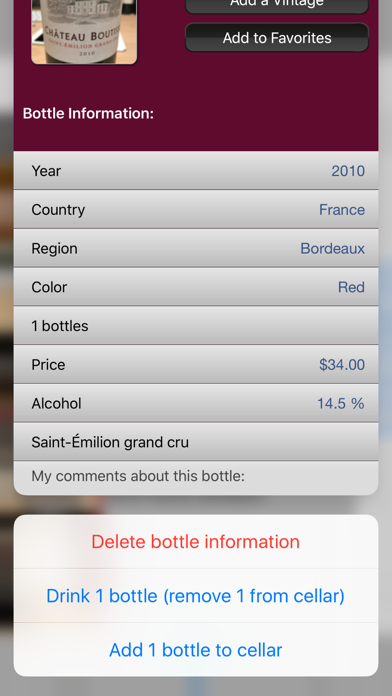
Share bottles with other users via email, SMS or turn the phone sideways
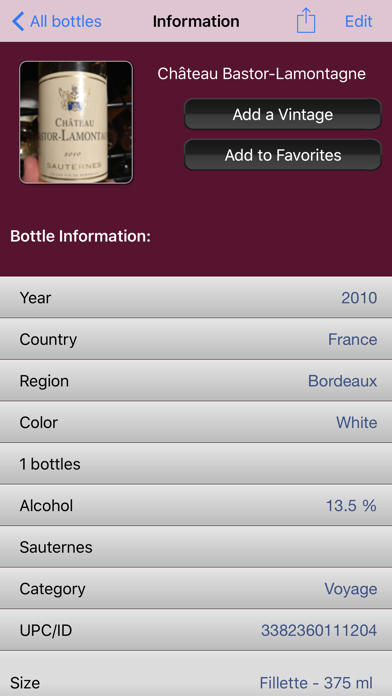
Scan bottle bar codes and retrieve info automatically (information is from the SAQ and LCBO in Quebec/Ontario/Canada)
Thanks to all the feedback from users, of whom reported bugs or gave recommendations, Wine Cellar has been improving for over a year now and Wine Cellar will continue to improve with new features.
Quick
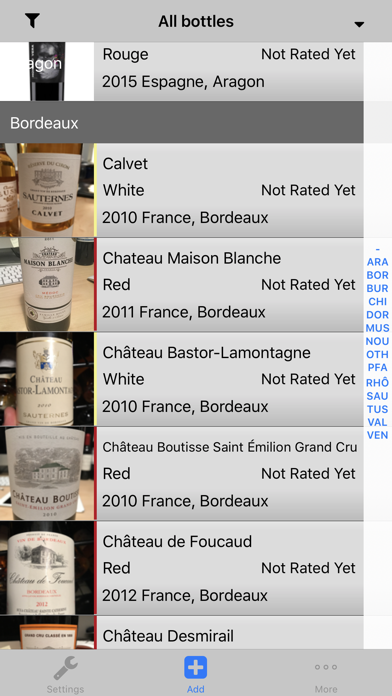
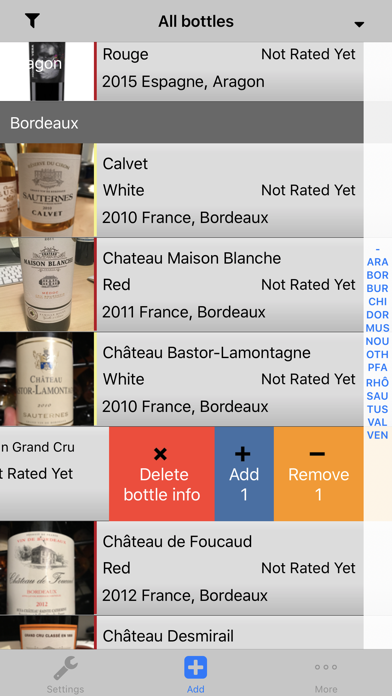
The interface presents the wine cellar in an efficient manner. It is easy and fast to locate a bottle, search for keywords, or simply browse bottles by the grouping defined by the user.
Favorite list
A favorite list of bottles provides an even quicker method to locate a bottle.
Export your cellar to your computer using 2 ways (WiFi required):
-Using the free Companion Tool (Mac OS X)
-Using the integrated web server.
Use Companion or OpenOffice to edit and view your cellar on your computer.
The main view can be sorted on most of the wine's characteristics (by region, country, vontage just to name a few)
Improved main screen
The main screen shows pictures and more details about each bottle. A more compact display of the main list is also availa
Frequently Asked Questions
Is Wine Cellar Import Pro free?
No, Wine Cellar Import Pro costs $0.99.
Who made Wine Cellar Import Pro?
Wine Cellar Import Pro was developed by Simon Guertin. Visit their website at http://sg-iphone.com/winecellar/.
Developer
Explore More
Related Food & Drink Apps






Share & Embed
Use these badges on your website or blog to link back to this app's data.
Rating Badge
<a href="https://apppricinglab.com/app/apple/307327669"><img src="https://apppricinglab.com/api/badge/rating?store=apple&app=307327669" alt="Wine Cellar Import Pro rating on App Pricing Lab" /></a>Rank Badge
<a href="https://apppricinglab.com/app/apple/307327669"><img src="https://apppricinglab.com/api/badge/rank?store=apple&app=307327669" alt="Wine Cellar Import Pro ranking on App Pricing Lab" /></a>