Download Meter - track Data Usage and avoid Data Plan Overage

Download Meter - track Data Usage and avoid Data Plan Overage

HedonicSoft

🍎 Apple App StoreFinance$1.994+

Download Meter - track Data Usage and avoid Data Plan Overage Price Snapshot

Download Meter - track Data Usage and avoid Data Plan Overage by HedonicSoft is priced at $1.99 on the Apple App Store, with no in-app purchases. It holds a 1.8★ rating from 5 reviews.

Listing last updated: 2015-11-04. Source: public Apple App Store data, compiled via the App Pricing Lab methodology.

1.8★
5 reviews
2012-10-02
Released
2015-11-04
Last Updated

Rankings

CategoryCollectionRankDate
FINANCEtop-paid-ipad#992026-03-12
FINANCEtop-paid#1892026-03-12

Screenshots

Download Meter - track Data Usage and avoid Data Plan Overage screenshot 1Download Meter - track Data Usage and avoid Data Plan Overage screenshot 2Download Meter - track Data Usage and avoid Data Plan Overage screenshot 3Download Meter - track Data Usage and avoid Data Plan Overage screenshot 4Download Meter - track Data Usage and avoid Data Plan Overage screenshot 5

About Download Meter - track Data Usage and avoid Data Plan Overage

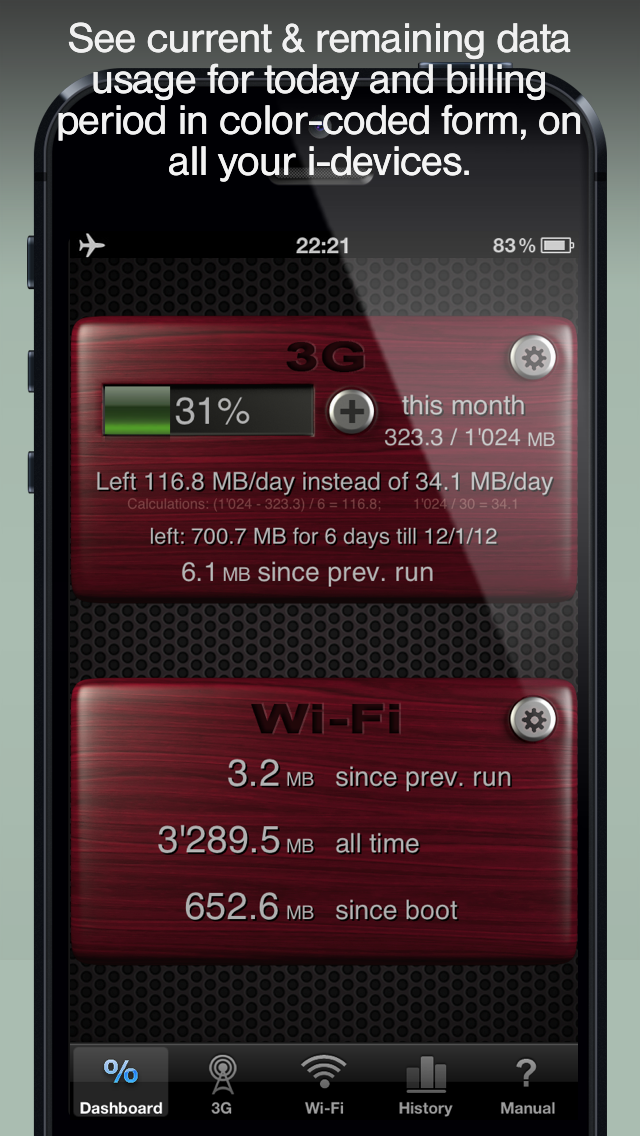
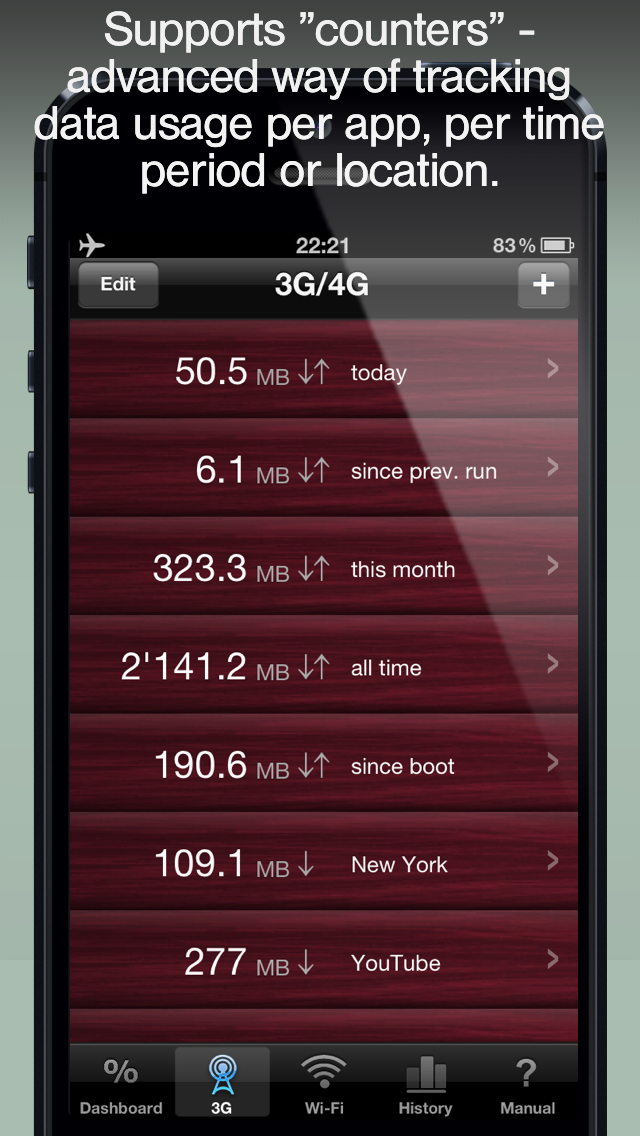
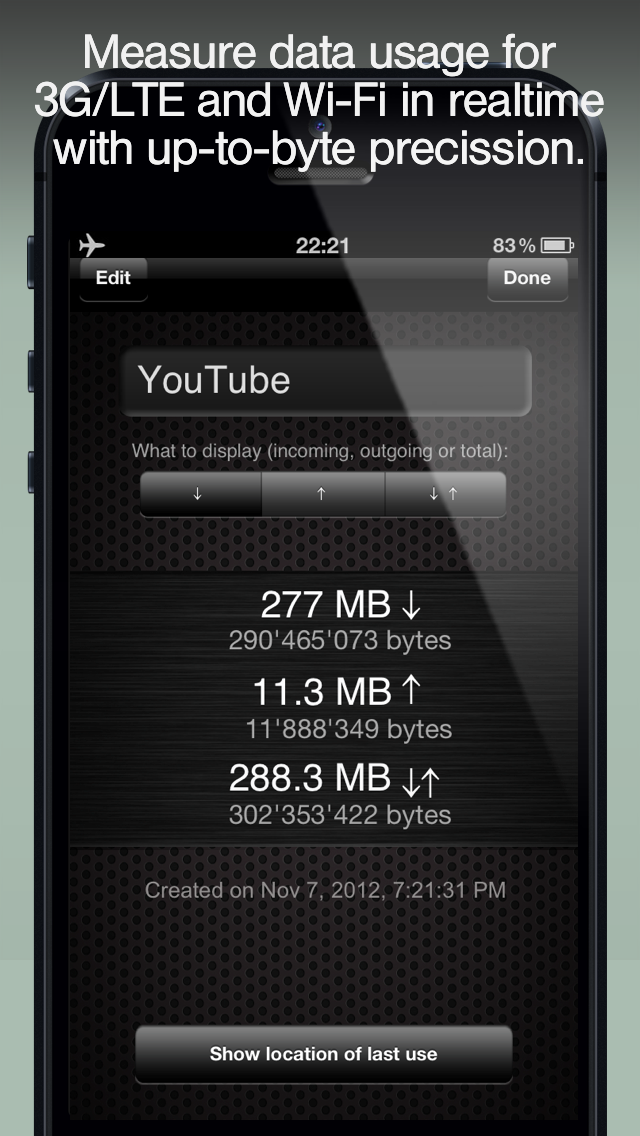
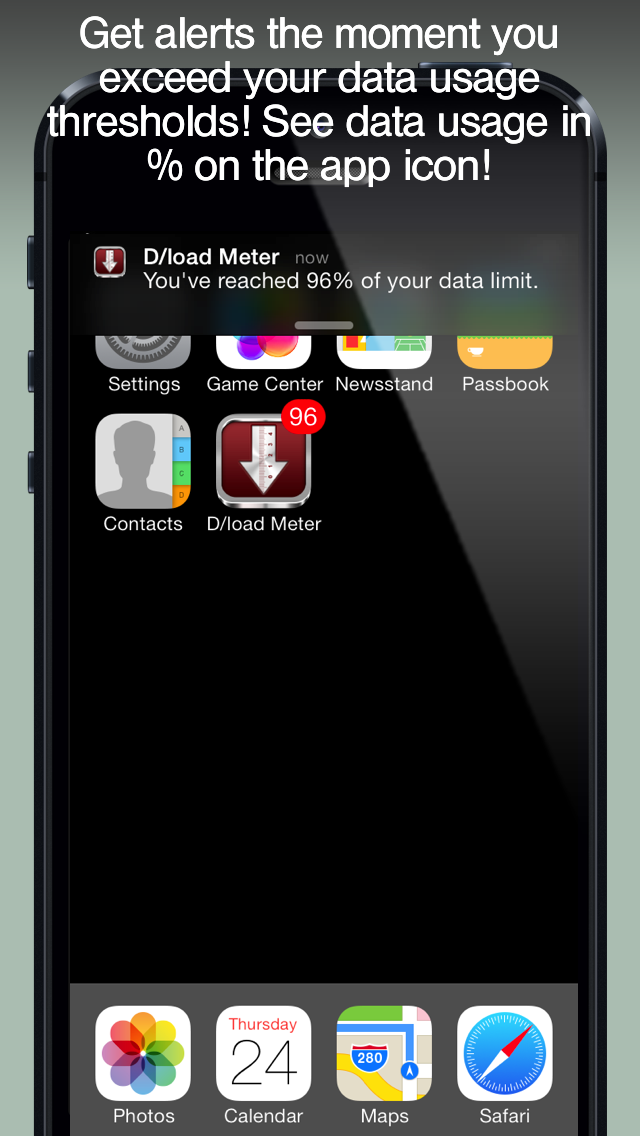
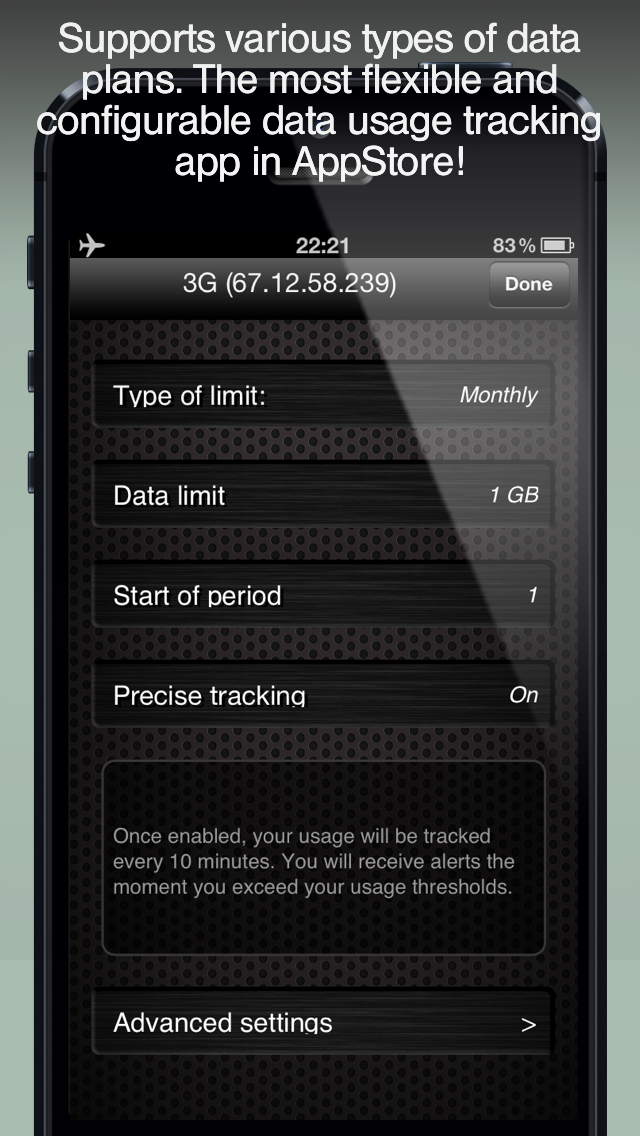
SALE!! 50% OFF! A single app that runs on iPhone and iPad!! This app helps you to stay within the limits of your mobile internet data plan limit (LTE/4G/3G). You will save hundreds of $$$ with this app! That's why it's consistently listed among the Top 10 Most Popular Utilities in over 56 countries worldwide. Just enter the data limit of your plan along with the first day of the billing cycle, and the app will notify you automatically when you reach important levels of your data usage limits (e.g. 90%, 100%). Stay within your limit and never pay extra overcharges again! It will also show you the percentage of the data limit that you've already consumed on the app icon! It's the most advanced and most impressive data tracking app in AppStore! Features: ■ Get instant alerts the moment you exceed your data usage thresholds, without having to open the app. ■ The app's icon feature will always display the percentage of your data limit or amount of data (in MB) that you've already consumed. ■ This app works with any carrier from all over the world. ■ It requires no login and password to your carrier's site. ■ You don't need to wait forreports from your carrier which may take hours or days to be updated. ■ The Download Meter does not require an Internet connection to view your statistics because the app reads the data usage statistics directly from your device. So it won't cost you anything to view your data usage, even while abroad. ■ All iPads, iPods and iPhones are supported by this app. Buy it once, run it on all devices! ■ Most popular types of data plans are supported, including monthly, weekly, daily, biweekly, bimonthly, and 30 days plans ■ The app measures traffic in real time with up to one-byte precision. ■ You can easily run Download Meter before and after any app that you use, allowing you to view how much data it consumed during that period using the "Since Previous Run" function. ■ Daily data usage limit can be scheduled and programmed into your mobile device, computing the current day's data usage automatically. ■ Data Usage can be separated into categories including incoming, outgoing, Wi-Fi traffic and mobile Internet traffic. ■ The app offers many additional features which allow you to create and operate an unlimited number of "counters," which are an advanced way of tracking traffic per application or per period of time. ■ You can easily adjust your consumed traffic to match traffic amounts reported by your carrier. In addition, this application allows you to create and operate any number of "counters," which are an advanced way of tracking your traffic or data usage on your mobile device beginning with any particular moment in time. Several counters can function simultaneously, be paused, or reset entirely, allowing you to compute the amount of data consumed by a particular application or the usage consumed at a given location.

Frequently Asked Questions

Is Download Meter - track Data Usage and avoid Data Plan Overage free?

No, Download Meter - track Data Usage and avoid Data Plan Overage costs $1.99.

What is the rating of Download Meter - track Data Usage and avoid Data Plan Overage?

Download Meter - track Data Usage and avoid Data Plan Overage has a 1.8 out of 5 star rating based on 5 reviews on the Apple App Store.

Who made Download Meter - track Data Usage and avoid Data Plan Overage?

Download Meter - track Data Usage and avoid Data Plan Overage was developed by HedonicSoft. Visit their website at http://www.hedonicsoft.com/prod/iphone/download-meter/.

Developer

Explore More

Finance Category ReportFinance RankingsMarket ReportsFree vs Paid AnalysisMost Expensive AppsTrending Apps

Related Finance Apps

Share & Embed

Use these badges on your website or blog to link back to this app's data.

Rating Badge
Download Meter - track Data Usage and avoid Data Plan Overage rating
<a href="https://apppricinglab.com/app/apple/529090535"><img src="https://apppricinglab.com/api/badge/rating?store=apple&app=529090535" alt="Download Meter - track Data Usage and avoid Data Plan Overage rating on App Pricing Lab" /></a>
Rank Badge
Download Meter - track Data Usage and avoid Data Plan Overage ranking
<a href="https://apppricinglab.com/app/apple/529090535"><img src="https://apppricinglab.com/api/badge/rank?store=apple&app=529090535" alt="Download Meter - track Data Usage and avoid Data Plan Overage ranking on App Pricing Lab" /></a>